Nothing brings people together more than the act of telling stories. For as long as we’ve existed, people have gathered around campfires, cave walls, theatre stages and more to share and listen to stories with each other. It is the essence of what it means to be social beings and that much remains constant. What has changed however, is how we tell stories.
The age of highly visual media driven by technology has fundamentally altered what it means to “write,” “tell,” and “read” a story. As our Grade 1s have been finding out, there is a whole world of storytelling that exists beyond books in the world of film and animation, art and oral forms. Further, it exists beyond the physical library, accessible anytime, anywhere in cloud-based environments such as Tumblebooks (see login details below). In the cloud, storytellers can produce and share their ideas in ways that are more dynamic and multimodal thus making stories more engaging and accessible to all “readers” regardless of age, language and level of literacy.
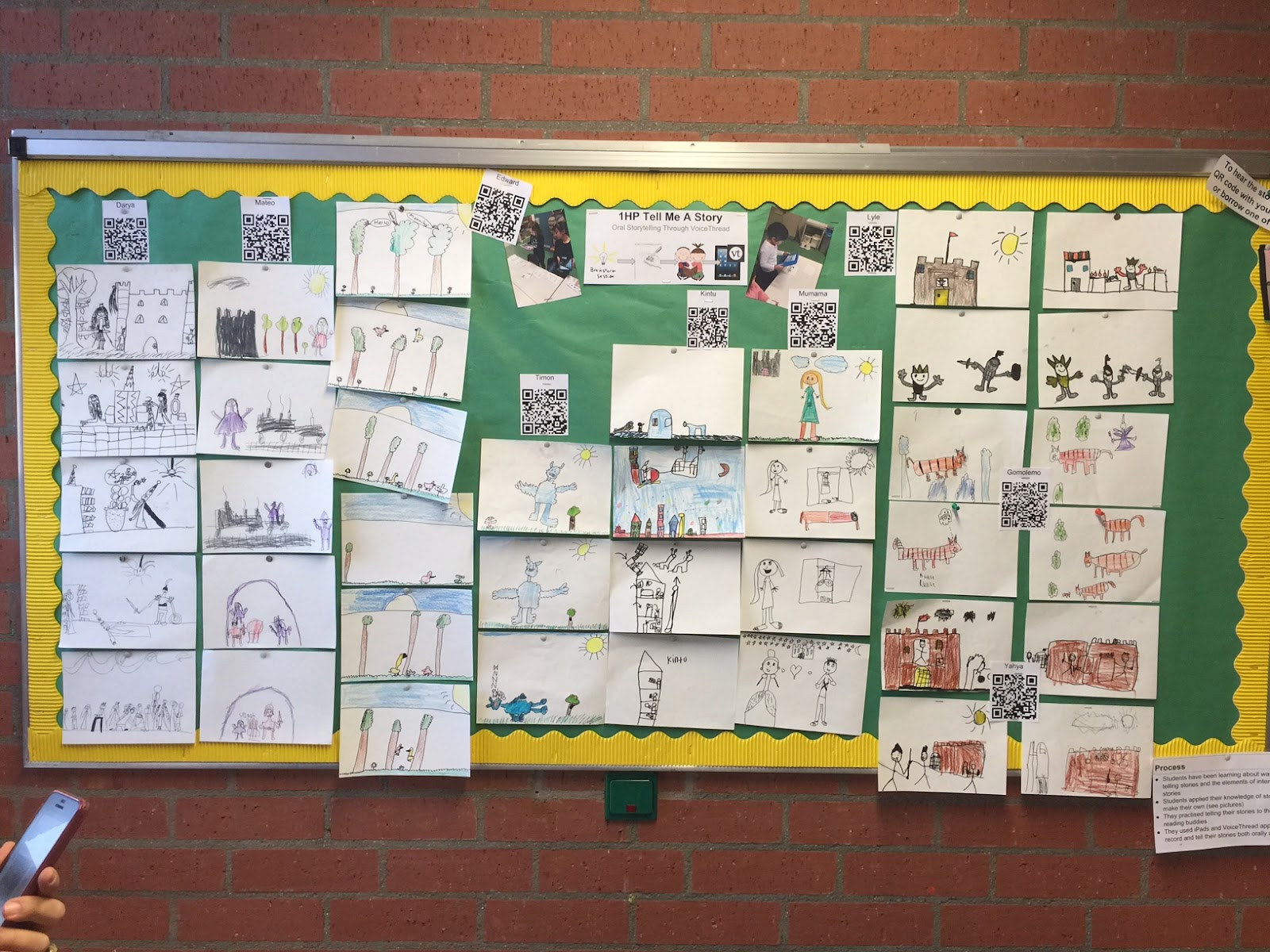
As content has become more accessible to students, so too have the tools used to “write” and share stories. Nowhere is this more apparent than in our Grade 1 corridor, where you will see some examples of students using digital tools to help them express their stories to you. Now and in the coming weeks, we invite you to see how tools like tools like the iPad and apps like VoiceThread and I Can Animate are changing what it means to “write” and “read” stories. If you’re armed with a smartphone, I invite you to download two free apps - QR Code Scanner and the Voicethread app to view examples of these stories on the go. You can also click this link to view a webpage of these stories.